New members get up to ₹10,000 on the Six Game app — Claim it now
Register & Claim ₹10,000 Join Telegram Group
  1. Home
  2. Download Six APK

· Android Download ·

Download the Six Latest APK

The complete, honest installation guide for the six app on Android — every step, every permission prompt, every device-specific quirk, and every error message you might hit along the way. Roughly three minutes from this page to your first spin.

  • Approx. 38 MB
  • Android 6.0+
  • No root required
  • Free to install
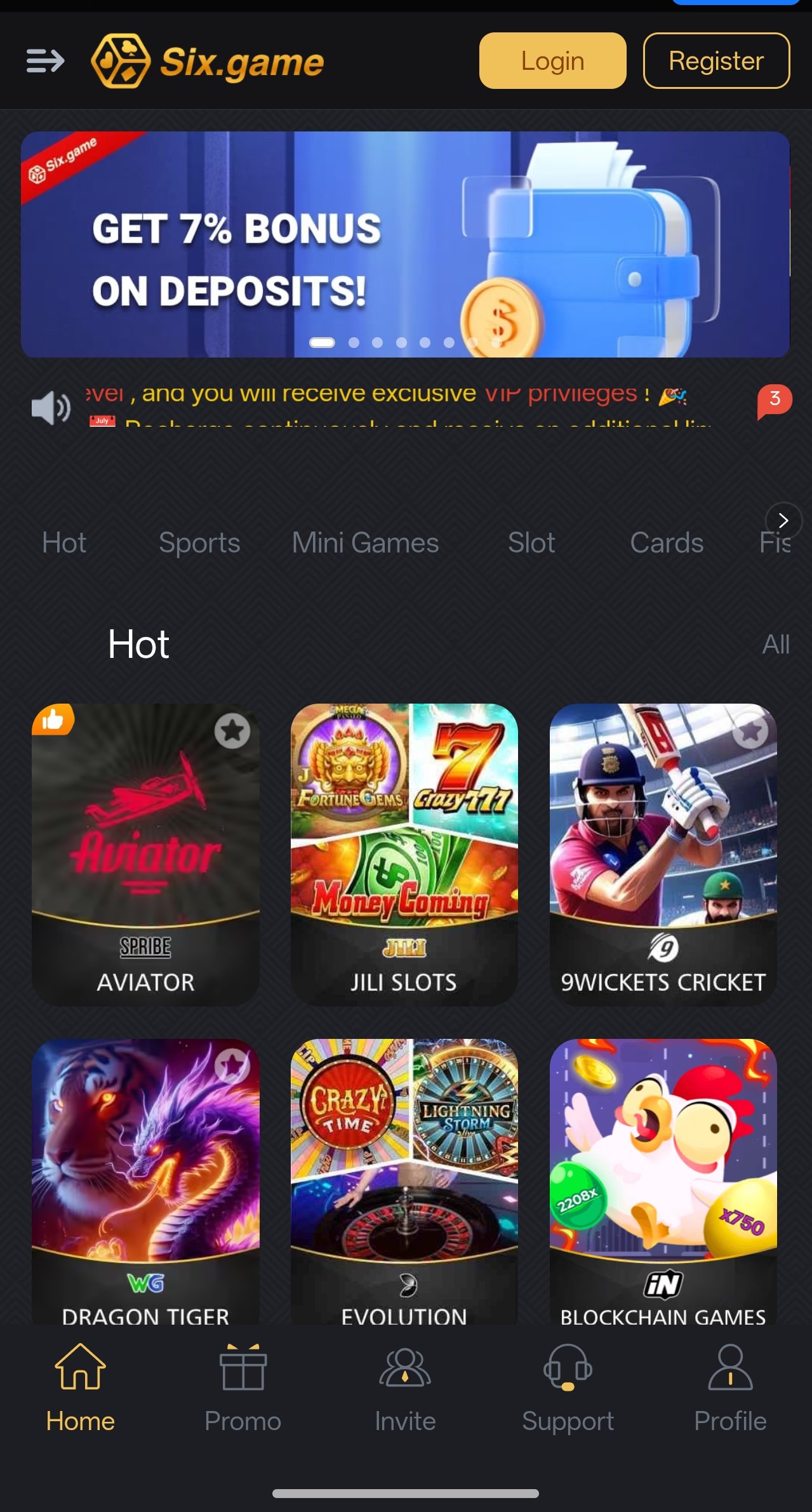
The Six Game app running on an Android phone after installing the six apk
38 MB Installer Under a minute on 4G
Android 6.0+ Works on 2GB RAM
₹10,000 Bonus On registration
38 MB Installer Size Approximately
120 MB Storage Needed After installation
v6.0 Min Android Marshmallow and above
3 min Setup Time Download to first spin

· Step by Step ·

How to Install the Six APK on Android

Five steps. The only one that ever causes trouble is step three, and it takes one tap to solve once you know where to look.

1

Prepare your phone

Before you download anything, check that you have around 120 MB of free storage and a stable connection. A nearly full phone is the single most common cause of a failed install, and Android’s error message for it is unhelpfully vague. Wi-Fi is ideal, but any steady 4G signal will pull the file down in well under a minute.

  • Settings → Storage → check free space
  • Clear old downloads or unused apps if tight
  • Avoid installing over a weak or dropping signal
2

Download the APK file

Tap the download button on this page. Your browser will confirm the download and save the installer to your Downloads folder. Only ever take the six new apk from this site or another source you have verified — repackaged installers circulating in random WhatsApp groups are the main route by which Android devices in the region get compromised.

  • File lands in Downloads
  • Do not rename or edit the file
  • Never install a build sent by a stranger
3

Allow installs from this source

This is the step everybody gets stuck on. Because the app is distributed directly rather than through the Play Store, Android blocks the first install attempt and shows a prompt. Tap Settings in that prompt, enable Allow from this source for whichever app you downloaded with, then press back. You only ever do this once per device.

  • Grant permission to your browser or file manager
  • One-time toggle, not a security downgrade
  • See the device table below for your exact menu path
4

Run the installer

Tap Install and wait roughly twenty seconds. Google Play Protect may display a “unrecognised app” notice — this is Android’s standard message for anything not distributed through the Play Store, not a virus detection. Choose Install anyway to continue. When it finishes, tap Open.

  • Installation takes about 20 seconds
  • Play Protect notice is expected
  • Delete the installer afterwards to reclaim space
5

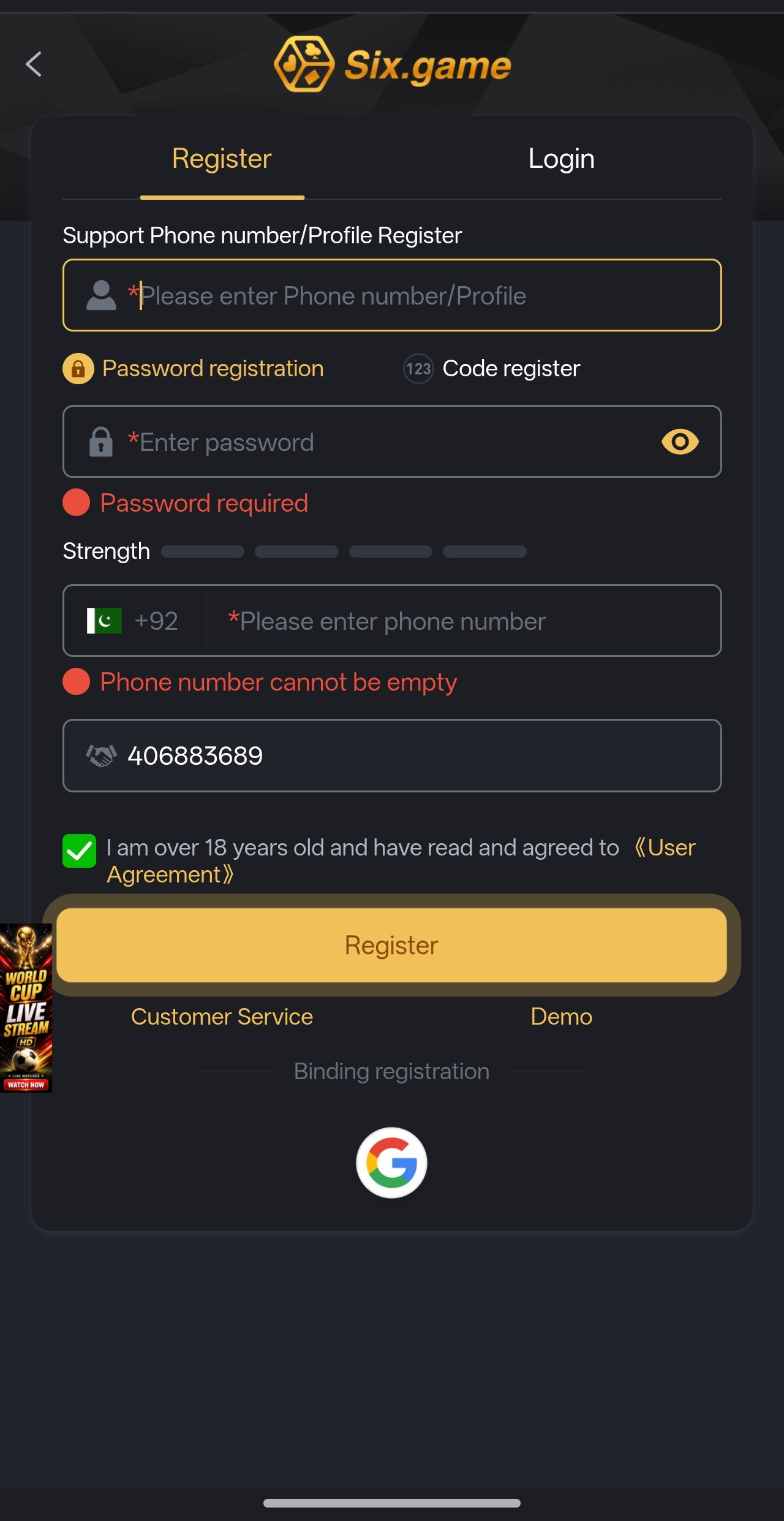
Register and claim your ₹10,000 welcome package

Open the app and tap Register. You need a working mobile number and a password — nothing more. No documents, no card, no email verification loop. If you arrived through a link on this site, the referral code is already attached, so the welcome package applies automatically. Make your first deposit through JazzCash, Easypaisa, bank transfer or USDT and the bonus is credited as soon as the transfer clears, usually inside a minute.

Before you confirm that first deposit, read the bonus panel. It shows exactly which offer you are activating, what the wagering multiple is, and when it expires. If the offer does not suit how you play, you can decline it and keep your deposit as plain cash balance — that option is always there.

· Every Phone Is Different ·

Where “Install Unknown Apps” Lives on Your Phone

Android manufacturers each move this setting somewhere slightly different. Find your brand below and follow the path exactly — it is the same toggle under a different name.

Menu paths to enable installation of unknown apps by phone brand
Brand Menu path Notes
Samsung (One UI)Settings → Apps → Special access → Install unknown appsSelect your browser, then enable the toggle.
Xiaomi / Redmi / POCOSettings → Privacy protection → Special permissions → Install unknown appsMIUI may also ask you to disable a scan prompt during install.
Infinix / Tecno / itelSettings → Security → Install unknown appsHiOS and XOS name it “Unknown sources” on older builds.
Oppo / RealmeSettings → Additional settings → App management → Install unknown appsColorOS may show an extra safety confirmation dialog.
VivoSettings → More settings → Permission management → Install unknown appsFuntouch OS may require you to unlock with your PIN.
Huawei / HonorSettings → Security → More settings → Install apps from external sourcesSome builds place this under Apps → Special access.
Stock Android / PixelSettings → Apps → Special app access → Install unknown appsThe cleanest implementation — grant per app, once.
Android 7.0 and olderSettings → Security → Unknown sourcesA single global toggle rather than per-app. Turn it off again after installing.

Is granting this permission safe?

The permission itself is not dangerous — it simply tells Android that you, the owner of the device, trust one specific app to run installers. Modern Android grants it per app rather than globally, so allowing Chrome to install the six apk does not allow anything else on your phone to install anything at all. What matters is not the toggle; it is the file. Download from a source you trust, and if you are on an older Android that uses the single global “Unknown sources” switch, turn it back off once the install completes.

· Will It Run? ·

Six App System Requirements

The six latest apk is built for the handsets people actually own, not flagship demo units. If your phone was made in the last eight years, it will almost certainly run.

Minimum and recommended system requirements for the Six Game app
RequirementMinimumRecommended
Android version6.0 (Marshmallow)10.0 or newer
RAM2 GB4 GB or more
Free storage120 MB500 MB
Screen720 x 12801080 x 2400
Connection3G4G / 5G or Wi-Fi
ProcessorQuad-core 1.3 GHzOcta-core 2.0 GHz
Root accessNot required — and rooted devices may be restricted

· Good to Know ·

Performance notes

  • Slots run comfortably on 2GB RAM. Live dealer tables are the heaviest content on the platform because they stream video — those benefit most from 4GB and a solid connection.
  • Assets cache after first load. A game is slowest the very first time you open it. Afterwards it launches from local storage in a second or two.
  • Data use is modest. An hour of slot play consumes roughly what ten minutes of video streaming does. Live tables consume considerably more.
  • Battery. Expect normal gaming drain. Disabling in-app animations in settings noticeably extends session length on older batteries.
  • iPhone users. No iOS build is currently offered. Open the platform in Safari or Chrome and add it to your home screen for an app-like experience.

· What You Are Installing ·

Six App Screenshots

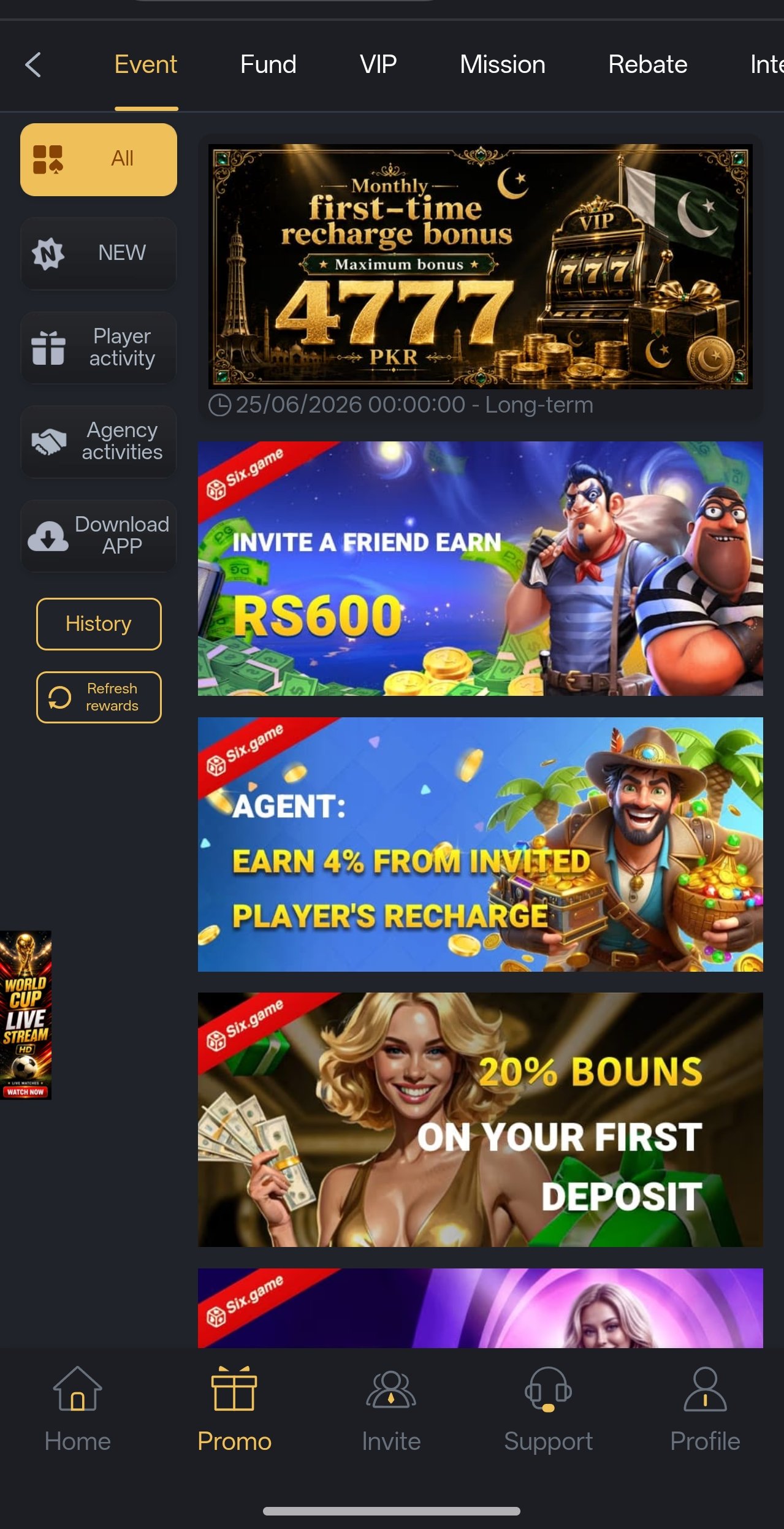
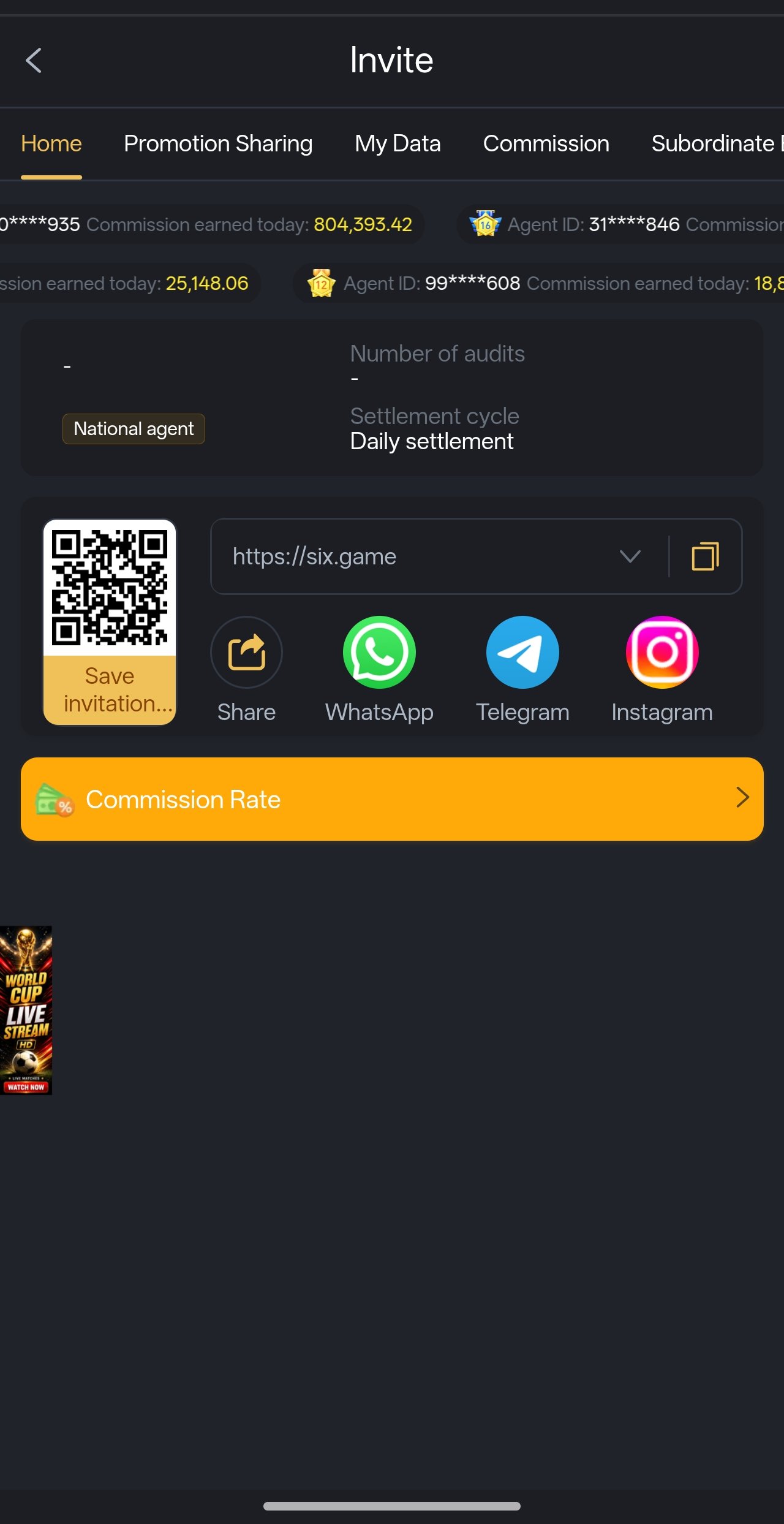
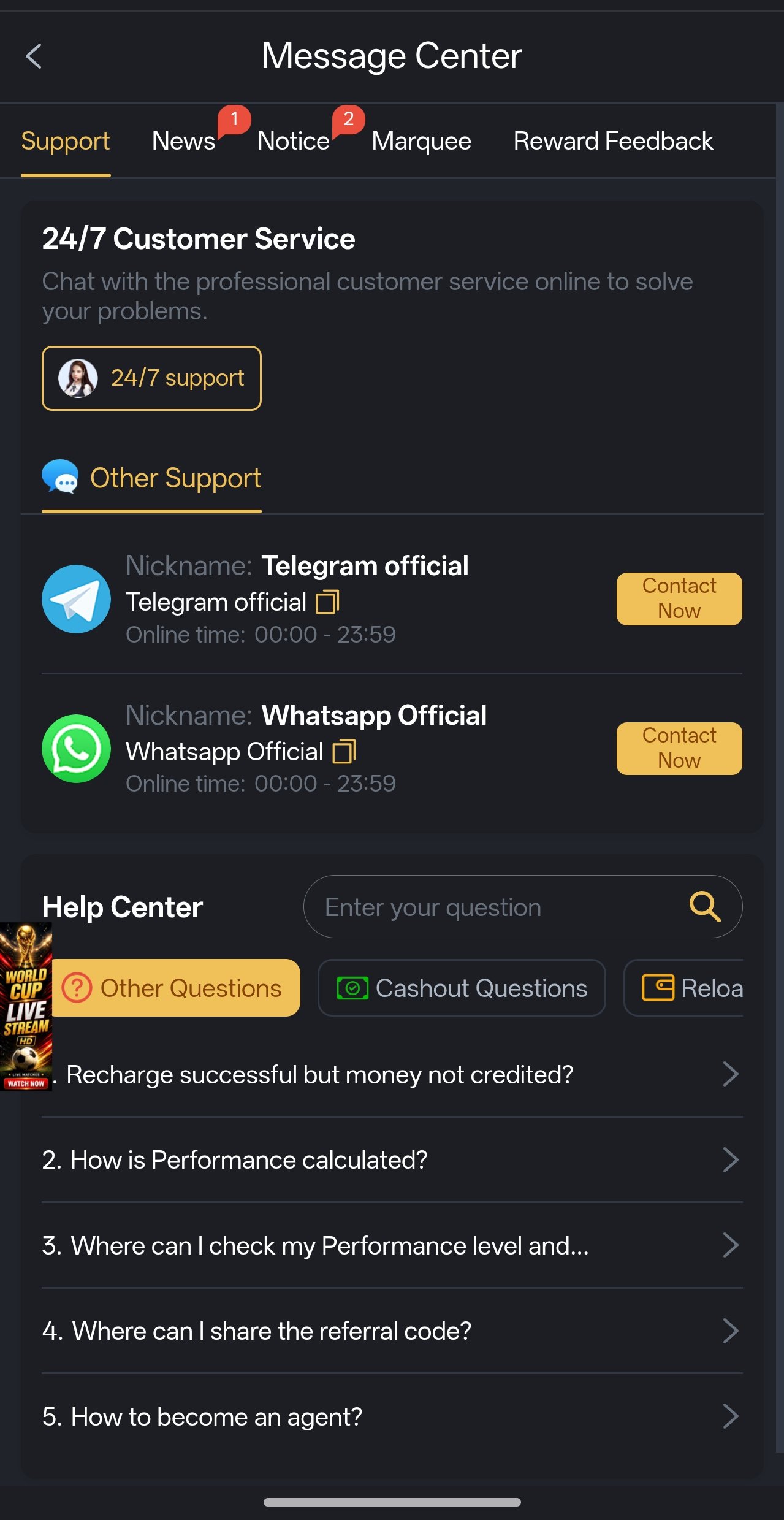
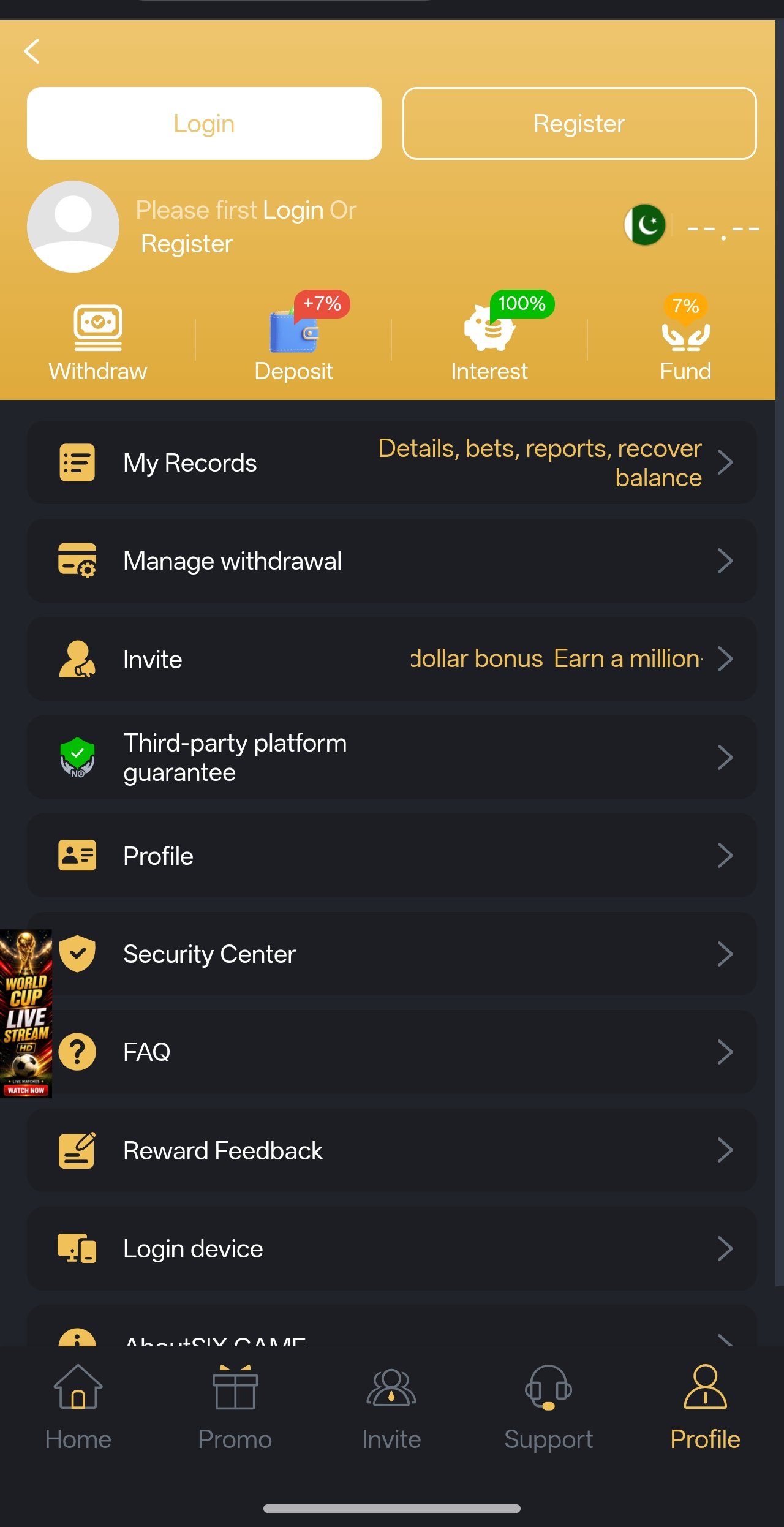
Real captures from the current build — the lobby, promotions, wallet, invite dashboard and live shelves exactly as they appear after installing the six new apk.

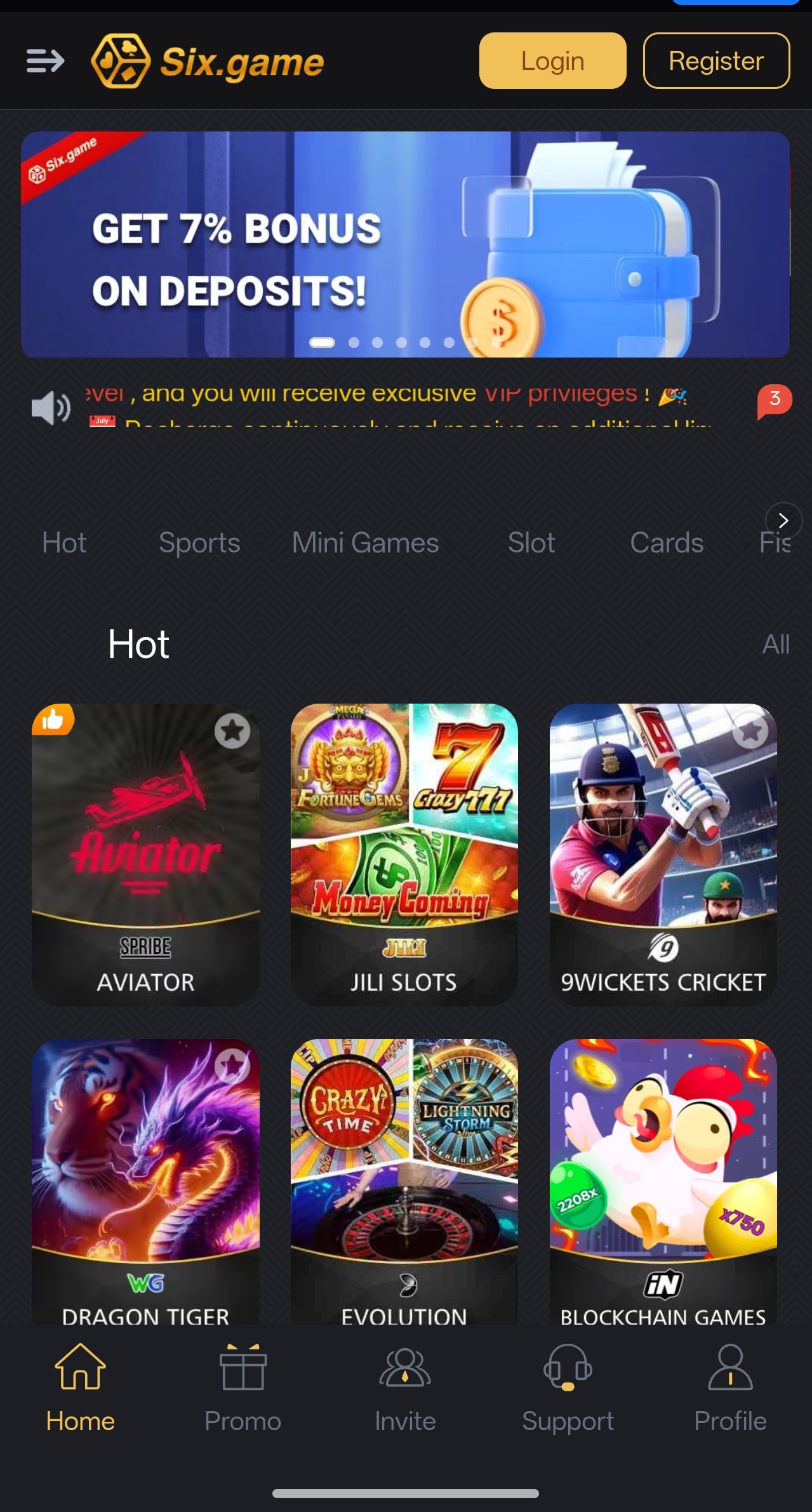
Six Game app lobby after installing the six apk
Game Lobby
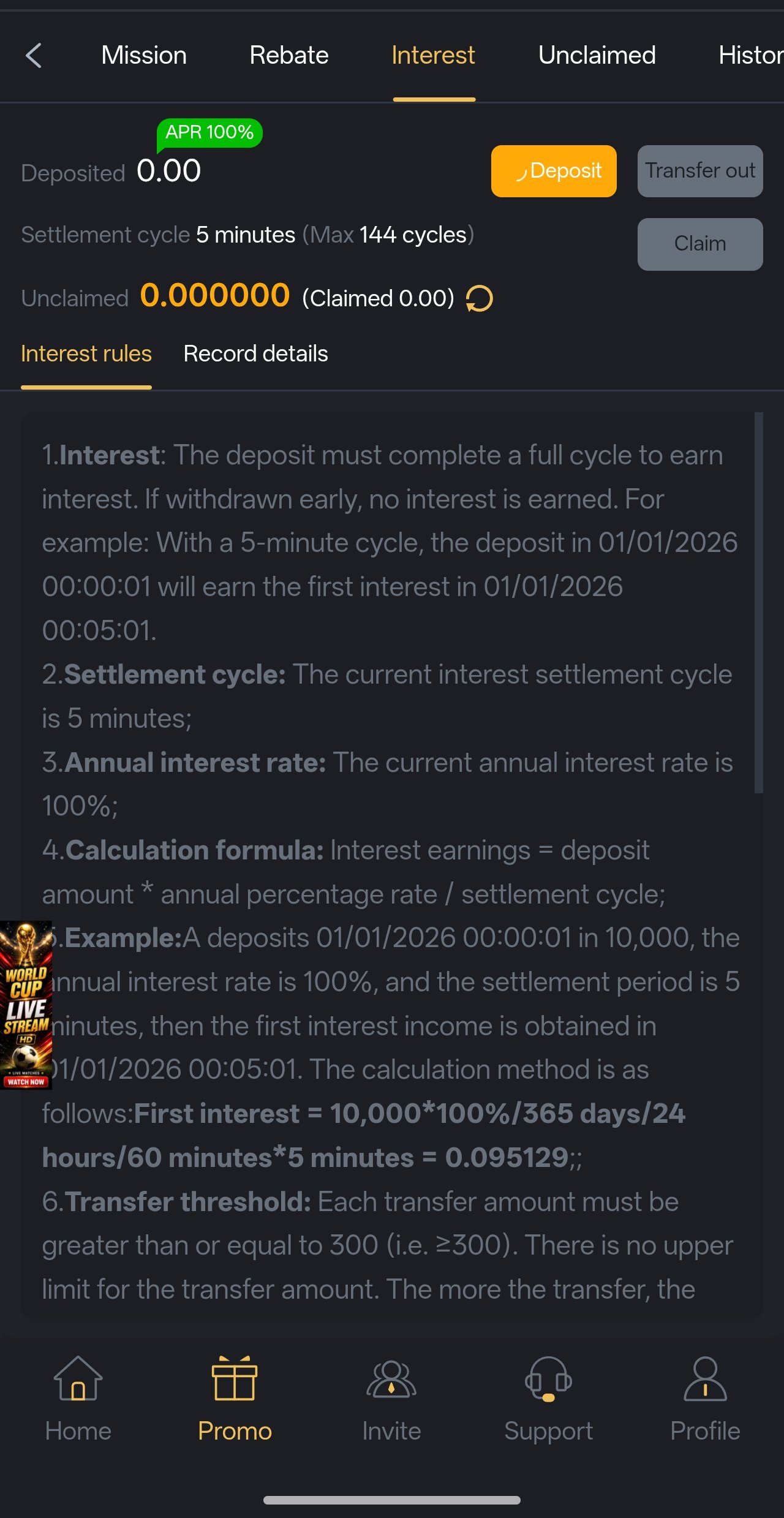
Six Game promotions and bonus offers screen
Promotions
Six Game invite and commission dashboard
Invite & Earn
Six Game slot game shelf
Slot Shelf
Six Game wallet and deposit screen
Wallet
Six Game live casino category
Live Casino
Six Game profile and account settings
Profile
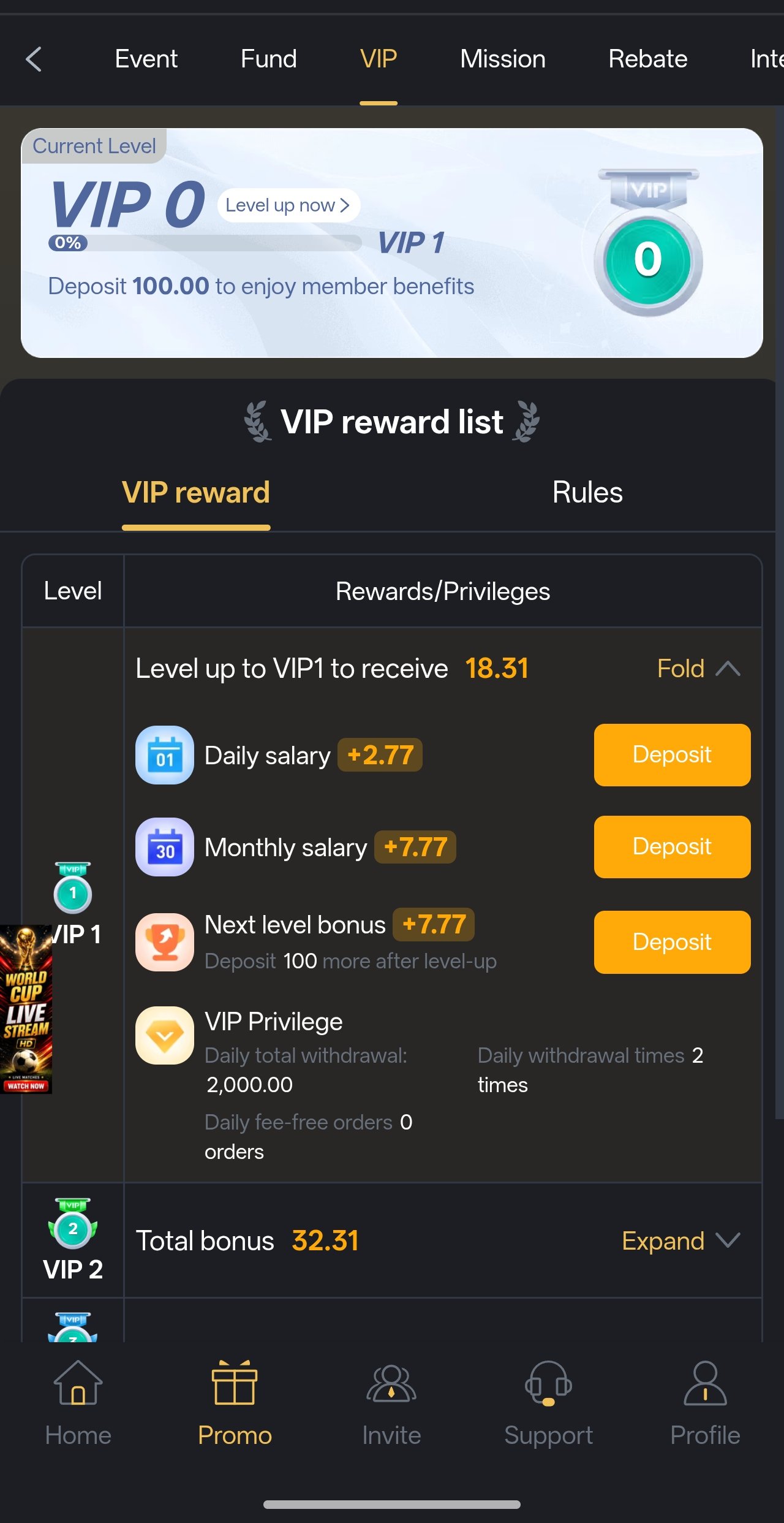
Six Game VIP rewards screen
VIP Rewards

· Staying Current ·

Updating to the Six Latest APK

Because the app sits outside the Play Store, it does not update itself silently in the background. Instead, the app checks for a newer build when you open it and prompts you when one is available. Accepting that prompt downloads and installs the update over your existing copy — your account, balance, bonus progress and history are all held server-side, so nothing is lost.

If you ever need to update manually, simply download the current six latest app from this page and install it on top. Android recognises it as an upgrade rather than a new app, so there is no need to uninstall first. The only time a clean reinstall helps is when the app is crashing on launch — and even then, your data is safe because none of it lives on the handset.

  • Never uninstall to update. Installing over the top preserves settings and cached assets.
  • Keep one build. Running two copies of the app from different sources causes signature conflicts.
  • Update on Wi-Fi. A dropped connection mid-update leaves a partially written package.
  • Watch Telegram. Major releases are announced at t.me/yn_games before the in-app prompt reaches everyone.

Spotting a fake Six APK

Popular gaming apps in this region attract repackaged clones — installers rebuilt with malware or credential stealers bolted on, then circulated through WhatsApp and Telegram forwards. They are easy to avoid if you know what to check.

  • Wrong file size. The genuine installer is around 38 MB. A 5 MB or 300 MB “Six APK” is not the real thing.
  • Absurd promises. Any build promising guaranteed wins, unlimited bonus, a hack, or a mod is malware. There is no such thing.
  • Excessive permissions. A gaming app has no legitimate need to read your SMS, contacts or call log. Deny and uninstall.
  • Unsolicited forwards. If a stranger sent you the file, do not install it. Download from a source you chose yourself.
  • Credential prompts. Nobody from Six Game or sixapk.pk will ever ask for your password, OTP or wallet PIN. Nobody. Ever.

· When Something Breaks ·

Six APK Troubleshooting & FAQ

Every install error we see regularly, with the actual fix rather than a generic “try again later”.

Android’s most unhelpful error message. It has four realistic causes, in order of how often we see them:

  • Not enough free storage. Clear space until you have at least 200MB free, then retry.
  • An older copy is already installed. Uninstall the previous version and install again.
  • The download was incomplete. Delete the file and download it again on a stable connection.
  • Signature conflict. You previously installed a build from a different source. Uninstall it completely, then install the genuine file.

Google Play Protect warns about every app that was not distributed through the Play Store, regardless of what the app actually does. It is a distribution notice, not a malware detection.

Tap More details, then Install anyway. If you would rather not see the prompt at all, you can temporarily disable Play Protect scanning in the Play Store under Profile → Play Protect → Settings — but we would recommend turning it back on afterwards, since it is genuinely useful for everything else on your phone.

Almost always a network or storage issue rather than a problem with the file itself.

  • Switch between Wi-Fi and mobile data and retry.
  • Clear your browser cache, then reload this page.
  • Try a different browser — some built-in manufacturer browsers handle direct downloads poorly.
  • Check that your device date and time are correct; a wrong clock breaks HTTPS and silently kills downloads.
  • Free up storage before retrying, since a partial download still occupies space.

Work through these in order:

  • Restart the phone. This resolves a surprising proportion of launch crashes.
  • Clear the app cache: Settings → Apps → Six Game → Storage → Clear cache. This does not log you out.
  • Confirm your Android version is 6.0 or newer.
  • Free up storage — a device under 500MB free becomes unstable across all apps.
  • Reinstall the current build. Nothing is stored locally, so your account and balance are unaffected.

If it still crashes, message Telegram support with your phone model and Android version — that pair usually identifies the issue immediately.

Not as a native app — APK files are an Android-only format and cannot be installed on iOS. There is currently no iOS build.

iPhone and iPad users can reach the identical platform through the mobile web lounge in Safari or Chrome. Add it to your home screen from the share menu and it behaves much like a native app, with the same account, balance and game library.

No. Your account, balance, bonus progress, game history and VIP level are all held on the operator’s servers and tied to your registered mobile number — not to the handset. Uninstalling removes only the app itself.

Log back in with the same number and password after reinstalling and everything is exactly where you left it. The same applies when you move to a new phone.

Completely free. There is no download charge, no subscription and no purchase required to create an account or browse the library. If any site or person asks you to pay to obtain the six latest apk, it is a scam — close it and report it.

Modest, once installed. Game assets cache locally on first load, so a typical hour of slot play consumes roughly the same data as ten minutes of video streaming. Live dealer tables are the exception — they stream continuous video and use considerably more, so play those on Wi-Fi where possible.

Still stuck? Get install help now

t.me/bbxxyyz

Send a screenshot of the error along with your phone model and Android version. Our support desk is staffed 24 hours a day and most install problems are solved in a single reply.

Open Support Chat

Get update & release alerts

t.me/yn_games

New builds of the six latest apk, new slot releases, bonus codes and giveaways are posted to the community group first — usually before the in-app prompt reaches everyone.

Join Telegram Group

· Two Minutes to Install ·

Get the Six New APK & Claim ₹10,000

One 38 MB download, one registration, 105 slot games and a welcome package worth up to ₹10,000. Works on almost any Android phone made in the last eight years.

Claim ₹10,000 Six APK